Content
- Google Drive folder (Week 5): https://drive.google.com/drive/folders/1bRI-1Cu2uGfe5-UVf5T0gTtID_snPaHn?usp=drive_link
- Google Slide presentation: "Week 5" slide presentation in folder
- Zoom link
Application
In this exercise, we'll explore the creation of full-featured applications relying completely on AI for code generation. As most platforms have restrictive quotas for free-tier accounts, we'll start with simple applications that models can produce without much difficulty. We'll first utilize Anthropic's Claude. To begin with visit Claude.ai and create a new chat session.
Then, utilize a prompt to have Claude generate a simple web application for you. While you may utilize your own idea for an application, a simple prompt is provided below for an image scaling web site.
Build me a web app that allows me to upload an image and scale it
Claude will build the code for the application and host it. It will also allow you to interact with the application within the same chat session as shown below.
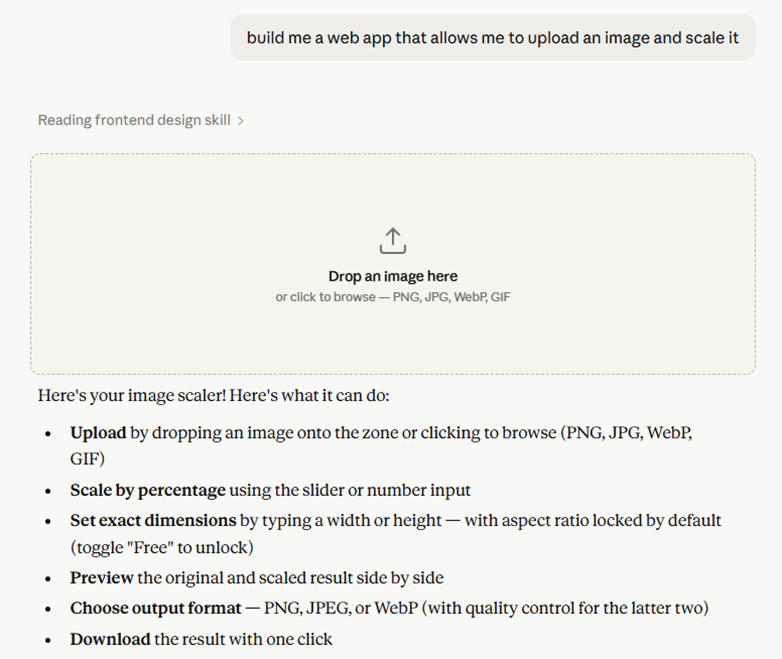
Test and debug the application
It is often the case that the code that is generated has bugs. For example, in the image scaling application, the "Download" function does not work when testing. If a feature does not work, let the chatbot know so it can address the issue as shown below:
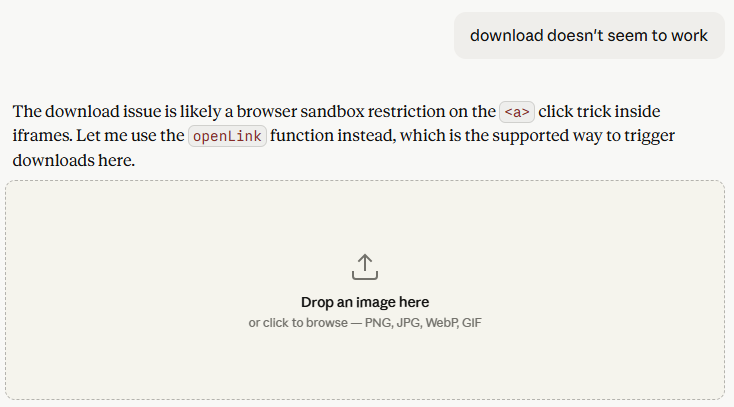
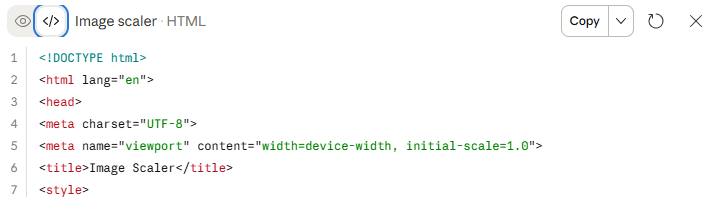
Once you have iterated with Claude to obtain the application you want. Click on the "</>" tab of the preview window to see the code that has been generated.
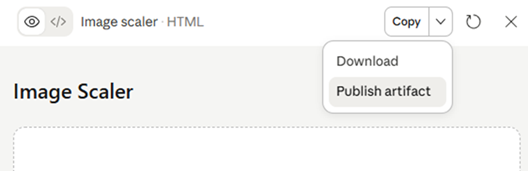
Publish artifact
Claude allows you to either download your application or to publish your application as an artifact on its platform in order for you to share it amongst members of your team or publicly. Using Claude's publishing feature, publish the application as an artifact.
When prompted, choose to publish the application to the web.
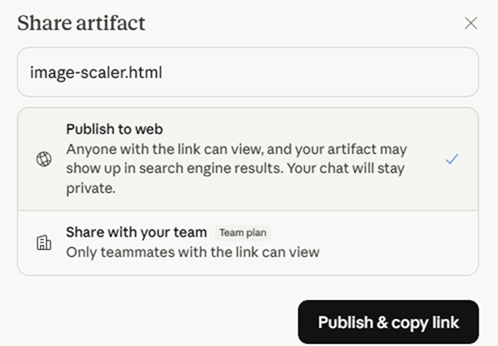
Copy the link to the application that Claude is now hosting for you.
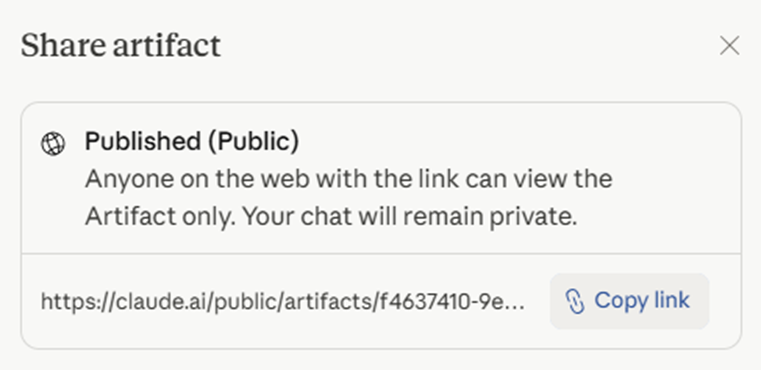
- Add a slide to the presentation and include the prompt you utilized to generate the application and the link to its published version
- Join the Zoom link to demo the application.
Codex is ChatGPT's coding agent. Repeat the construction of your application utilizing the tool.
Build me a web app that allows me to upload an image and scale it
Codex will build the code, but is currently unable to host it for you. Ask Codex to give you options for running the application and attempt to bring its version up.
- Add a slide to the presentation showing what you were able to get working
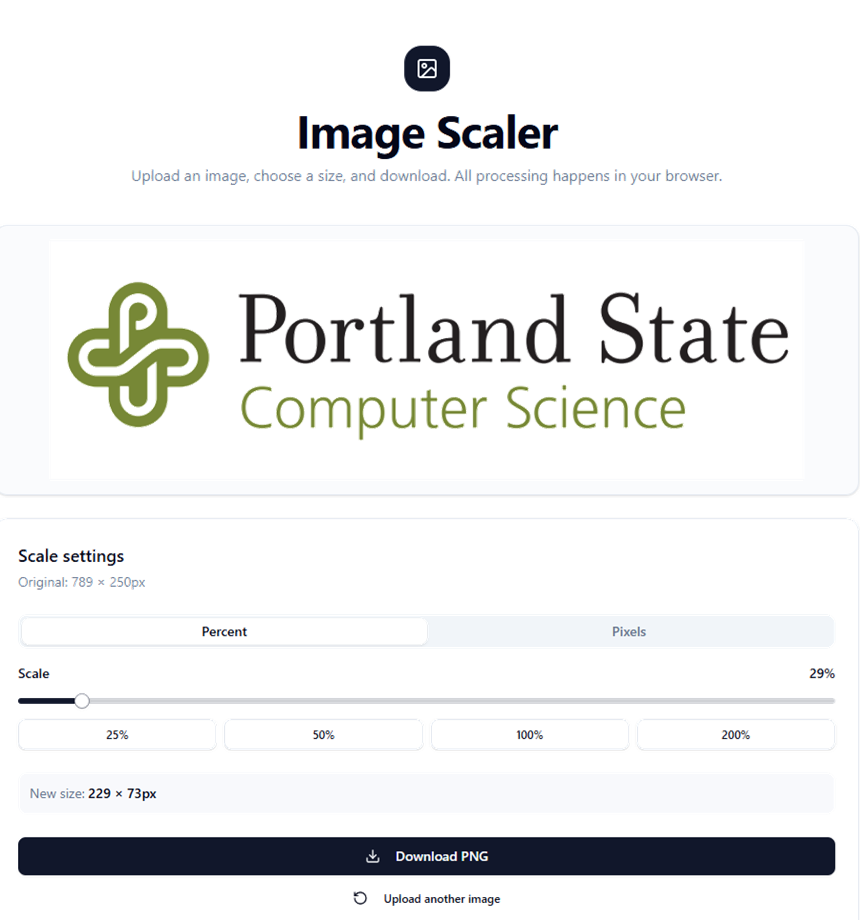
Lovable is a platform that supports the creation, sharing, and monetization of applications generated using AI. To begin with, visit the Lovable siteb and create an account using your @pdx.edu address. Then, create your web application
Build me a web app that allows me to upload an image and scale it
Publish artifact
After testing and debugging your application, click on publish to deploy it.
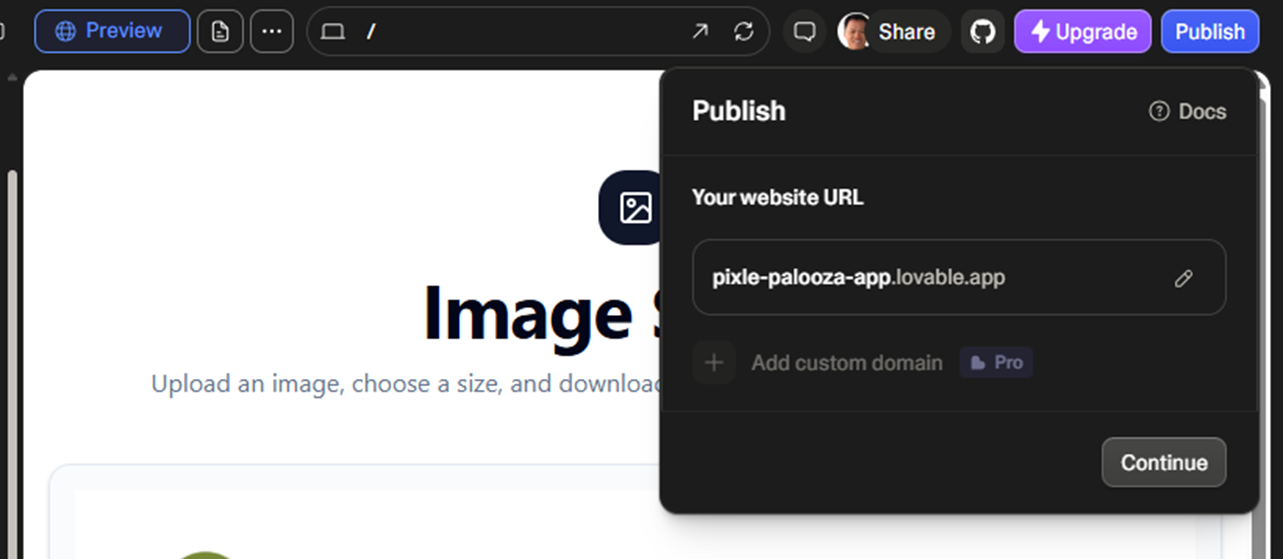
Wait until the application is live, then view it.
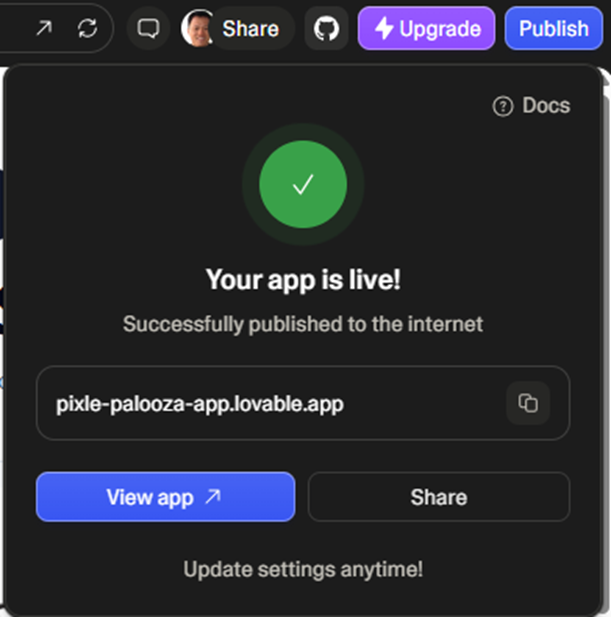
- Add a slide to the presentation and include the prompt you utilized to generate the application and the link to its published version
- Join the Zoom link to demo the application.
Google AI Studio is an advanced version of Google's Gemini service that supports the creation of more complex applications. Similar to Lovable, the service allows one to generate applications from prompts and publish them directly to the web. To begin with, visit Google's AI Studio, navigate to the "Build" section, and create a new chat session.
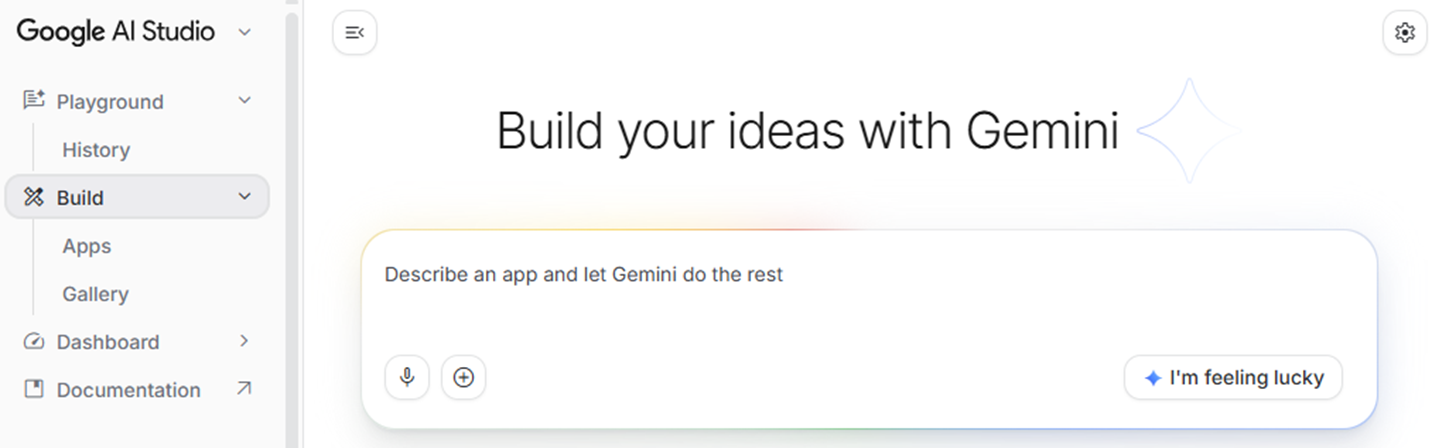
Then, utilize a prompt to have Claude generate a simple web application for you. While you may utilize your own idea for an application, a simple prompt is provided below for an image scaling web site.
Build me a web app that allows me to upload an image and scale it
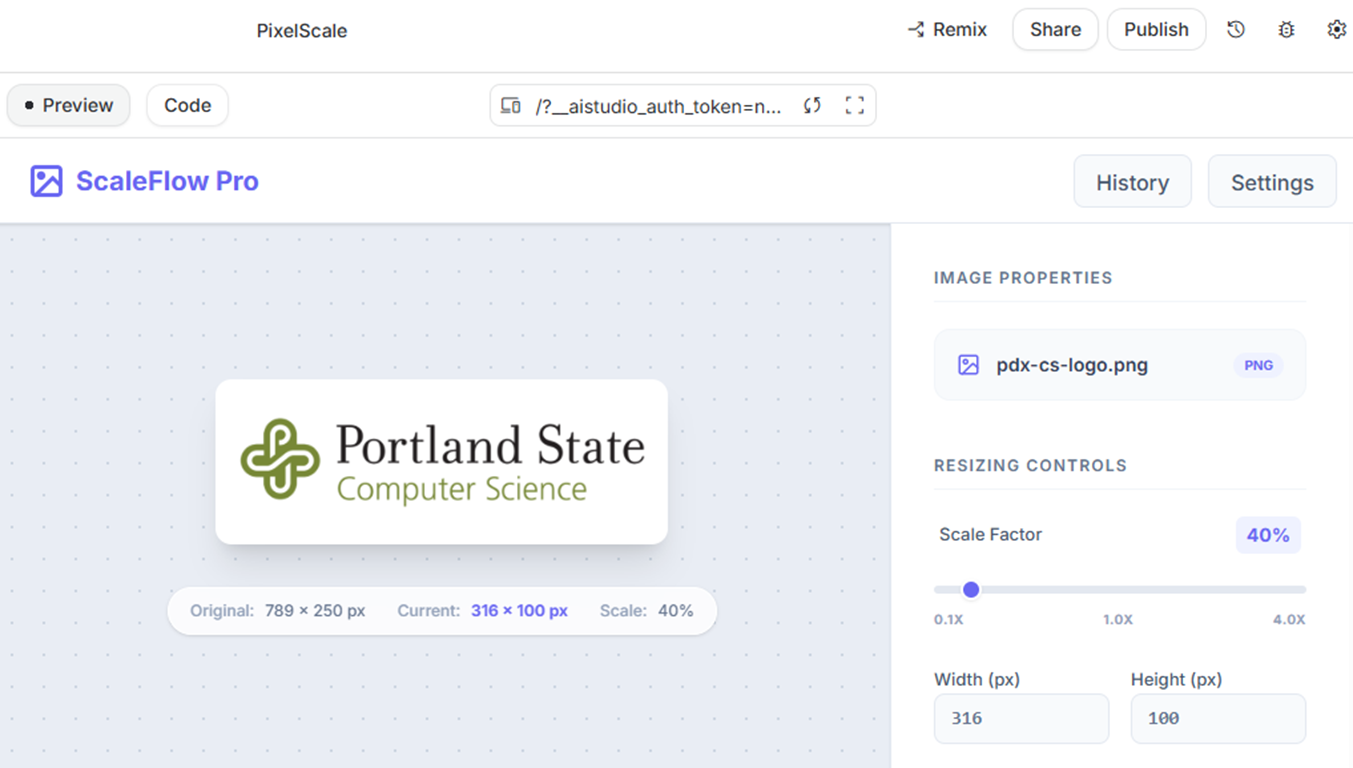
Google AI Studio will build the code for the application and host it. It will also allow you to preview the application as shown below.
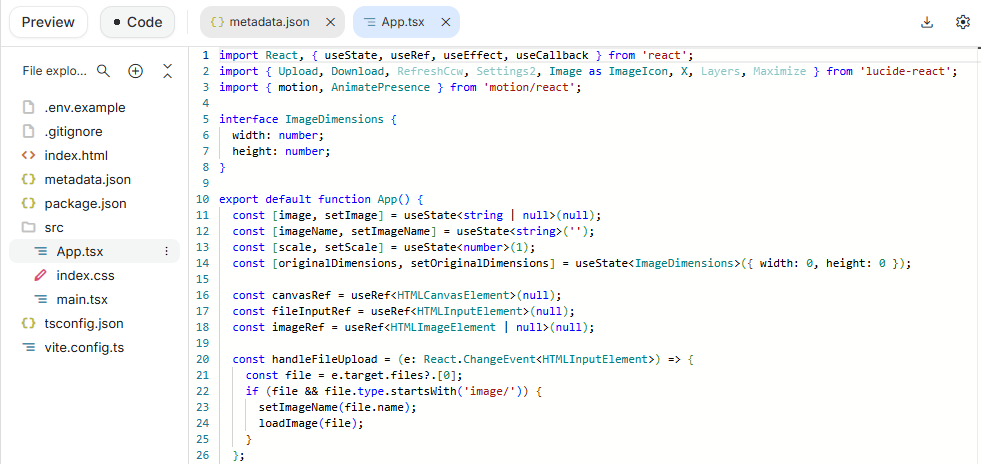
View code
Click on the "Code" button to examine the code that has been generated to implement your application.
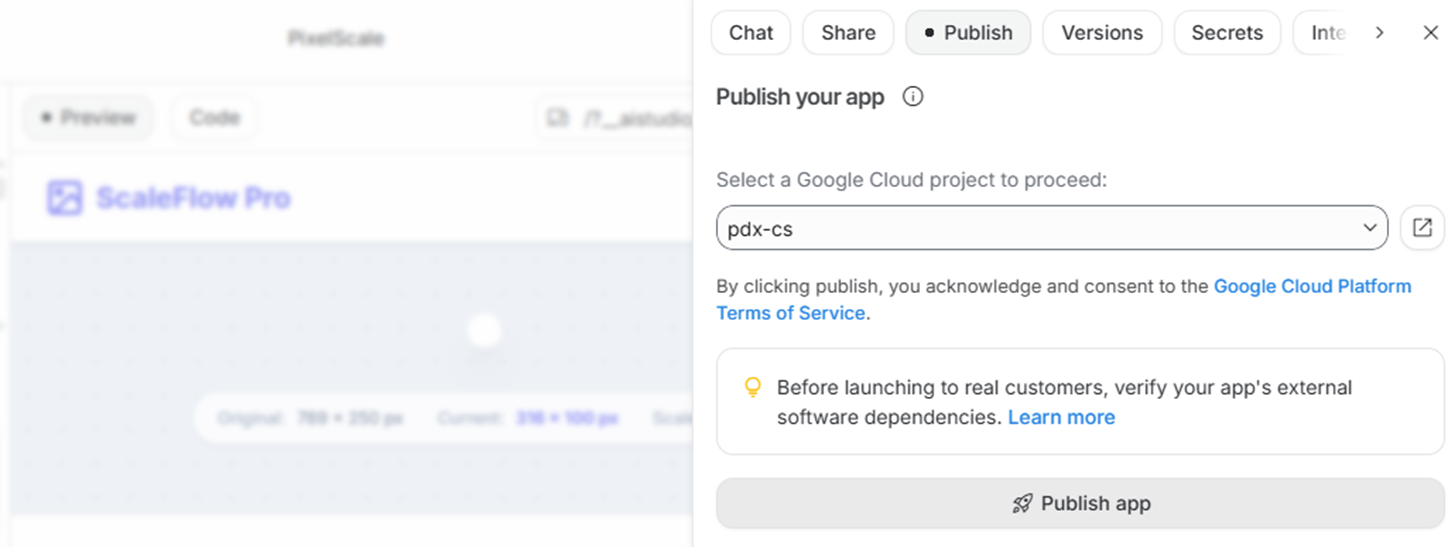
Publish application
After testing and debugging your application, click on publish to deploy it, specifying your course's Google Cloud Platform project to do so.
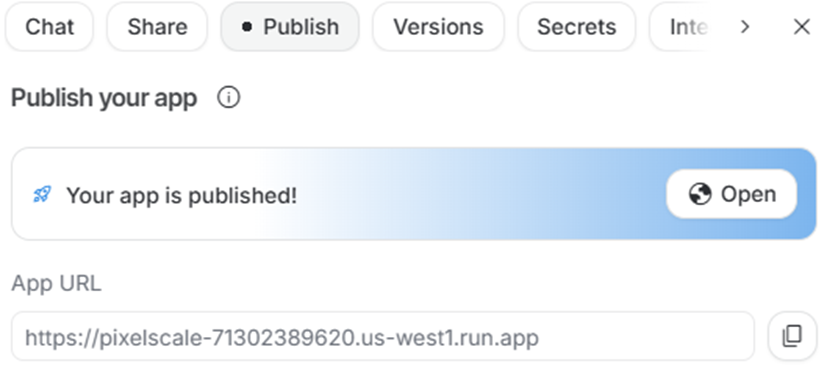
Once the application has been published, copy the application's URL and visit it.
- Add a slide to the presentation and include the prompt you utilized to generate the application and the link to its published version
- Provide a comparison between the different services and the applications they have generated
- Join the Zoom link to demo the application.
Clean up
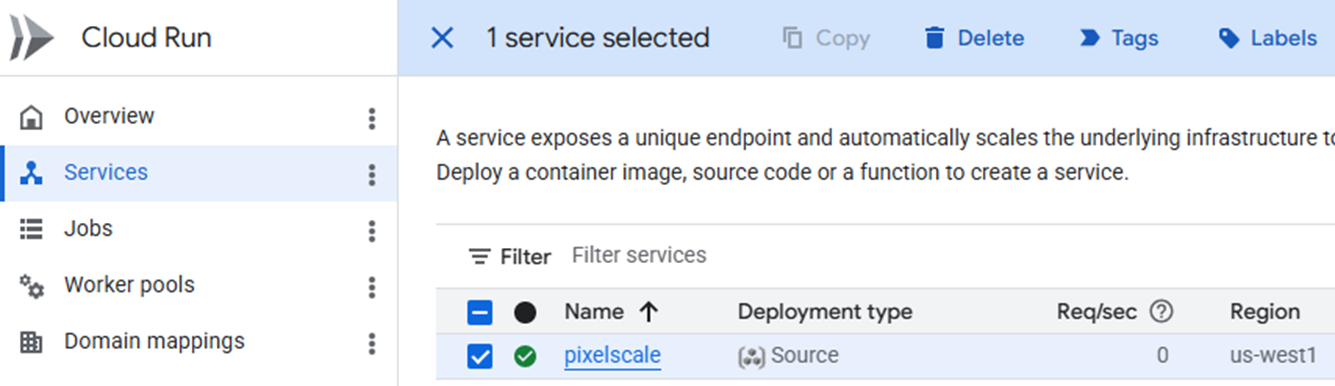
Navigate to the Cloud Run console on Google Cloud Platform, ensuring your course project is selected. (https://console.cloud.google.com/run/services). Select the service that is running your application and delete it.
COBOL, the main programming language used to run IBM mainframes, has a vast footprint in backend business software, but a shrinking developer base. COBOL systems handle 95% of the ATM transactions in the U.S., but universities do not typically teach it. Coding agents may help address this problem. In this exercise, we'll utilize AI to produce COBOL code and validate its correctness using an on-line compiler and run-time.
To begin with, prompt a model for a simple COBOL program:
I am vibe coding in COBOL. Write a very small COBOL program that prints
'INITIALIZING MAINFRAME...', then asks the user to type their name. Read the
name, and then print 'ACCESS GRANTED. WELCOME, [NAME].' Include comments about
what the program is doing. Keep the code simple so it runs in an online compiler.
After producing the code, copy it, then visit the following site, paste the code into the program window, and run it.
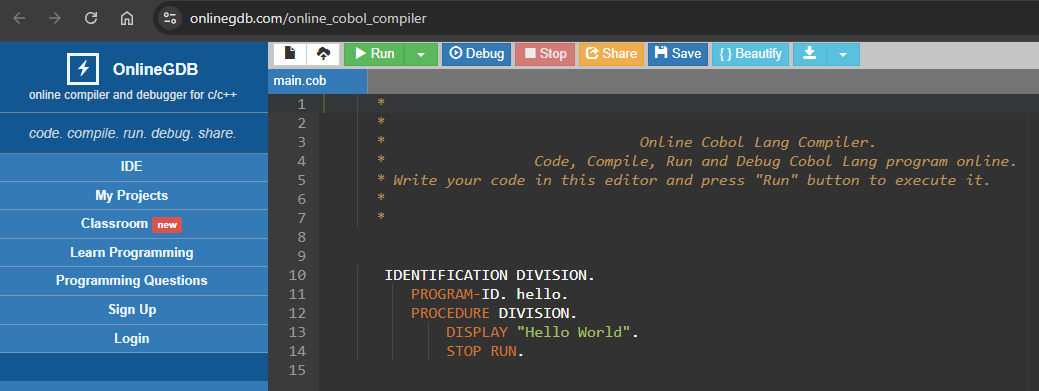
If there are errors, copy them back into the chat session to obtain a fix. If the output requires alteration, prompt the model for them as well.
Password feature
Now that you've created the initial working program, modify the application by adding a feature to the prompt. For example, one could ask for a secret code to allow access.
Now add code to the application that asks the the user to enter the secret passphrase of "PSU" before granting access
- Show the result of a successful execution of the application in a slide
Cashier application
In this step, we'll create a more complex application utilizing the same methodology. In this case, we'll implement a cashier application. Adapt the prompt below to generate the application:
Write a small COBOL program that acts like a cashier. It should ask the user
for a purchase amount (a whole number is fine). If the amount is over 100, calculate
a 10% discount, subtract it, and print the new total. If it's under 100, just
print the original total. Include comments explaining what the code is doing.
Keep the code simple so it runs in an online compiler.
- Show the result of a successful execution of the application in a slide
FORTRAN is another programming language that runs in many legacy systems but has a dwindling developer population. In this exercise, we'll utilize AI to produce FORTRAN code and validate its correctness using an on-line compiler and run-time.
To begin with, prompt a model for a simple FORTRAN program:
I am vibe coding in Fortran. Write a small Fortran 90 program that calculates
the trajectory of a rocket. It should ask the user for a launch angle (in degrees)
and an initial velocity (in meters per second). Calculate how far the rocket
will travel before hitting the ground using standard physics formulas
(gravity = 9.81). Print the impact distance. Keep it simple so it runs
in an online compiler.
After producing the code, copy it, then visit the following site, paste the code into the program window, and run it.
After creating the application,
- Show the result of a successful execution of the application in a slide
Oscilloscope application
Next, we'll build an application that simulates an oscilloscope.
Write a Fortran 90 program that simulates a 1960s seismograph or oscilloscope.
It should loop 20 times. Inside the loop, use the SIN() function to calculate
a sine wave value. Then, use that math to print an asterisk '*' moving left and right
across the terminal, like a vertical wave being drawn on paper. Add a tiny sleep or
delay function if possible so it animates.
- Show the result of a successful execution of the application in a slide
Build-your-own application
For your homework, you will create your own application utilizing a coding platform of your choice. While you can use an idea of your own, some ideas are below.
Web-based agent
Prior labs have walked through how one can construct an agent using Python in an interactive notebook. One can recreate the Wikipedia-Math agent with the help of a coding agent. To do so, create a new chat session and provide the following prompt.
Write me a web app that interfaces with an agent that uses gemini-2.5-flash,
a Wikipedia tool, and a calculator tool to respond to user queries. The app should
ask for an API key from the user that can be used to utilize the model. It should
also output the reasoning trace of the agent.
Note that since we have API keys for Gemini, this application might best be produced on Google's AI Studio.
Portland State course explorer
For this application, create a site that takes a list of courses from a user, finds the published course offerings for them, looks them up on Coursicle, and finds the professor ratings for those offering them.
Build a web app that takes a list of courses I'm planning to take next quarter
at Portland State University, looks up who is listed as offering them from Portland
State's published schedule, then looks up the reviews for the course in Coursicle,
then finds the RateMyProfessor profile for each professor that has offered the course.
Web-based chatbot
For this application, create an application that retrieves all of the content from a particular web site, inserts them into a vector database,
Create a web app that implements a chatbot to answer questions using content
cloned from https://web.cs.pdx.edu using retrieval augmented generation with
a vector database
Note that since we have API keys for Gemini, this application might best be produced on Google's AI Studio.
Sasquatch sightings application
For this application, create an application that supports the reporting and sharing of Sasquatch sightings that includes GPS and mapping information.
I want to vibe code a mobile application that allows users to input Sasquatch encounters. Let's call it quatch-tracker.

Users should first login and then enter the type of encounter. It should be 1 or more of: sighting, smelling, tracks, scat, sound, or third person report. It should also geolocate the encounter on a map. All information should be kept in a database. Users should be able to see other encounters in the area, going back: 1 day, 1 week, 1 month, and 1 year. Users should be able to send messages to other users of the app.

Include some training information about how to distinguish Sasquatch from other animals, especially bears and gorillas.

It is important to include training about how to distinguish a Sasquatch from the more common Wookiee. The laser crossbow is a common giveaway that it is a Wookiee.
Other ideas
- Build a first-person laser tag game in an indoor arena
- Create a 3D multiplayer claw machine game
- Create a fullstack app with Google maps that lets multiple players start a game of hide and seek on the map. The hider chooses somewhere in the world to hide, and the seekers have 3 attempts to click to find them.
- Create a multi-client websocket experience where each person's cursor spawns 3d particles
- Create a centralized recipe organizer that combines Al-assisted recipe creation with intelligent web parsing.
- Build a recipe generation web application where users input a list of ingredients they have, and the Al generates a creative recipe suggestion, including instructions and estimated cooking time.
- Build a hack-a-thon web site
Screencast
Upon completing your project, via a narrated screencast of no longer than 5 minutes, you will perform a demonstration and walk-through of your results. Ensure that the video camera is turned on initially in your screencast.
Rubric
We will be using the following rubric to evaluate your homework.
Instructions followed properly including length of screencast and video camera initially turned on |
Demonstration of application |
Walkthrough of prompts and chat history utilized to build application |
Submission
Upload your completed screencast on MediaSpace. Ensure that it is published as "Unlisted". Then, in Canvas, submit the URL that your unlisted screencast on MediaSpace is located.